

Product Update: More Control, Better Video Tools, and Cleaner Chats
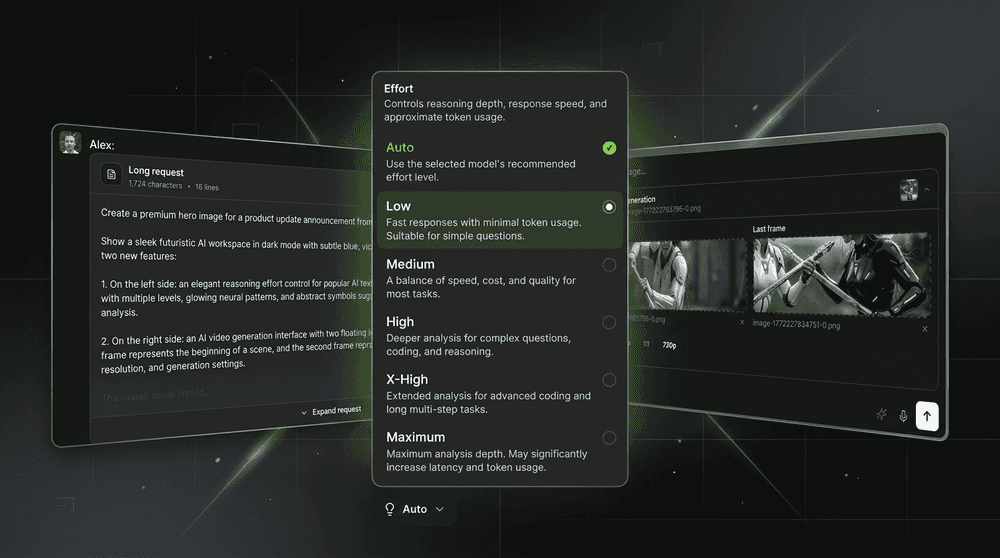
Product Update: More Control, Better Video Tools, and Cleaner Chats
We’ve added several highly requested features to Riser that make working with text and video models more flexible—and navigating long conversations much easier.
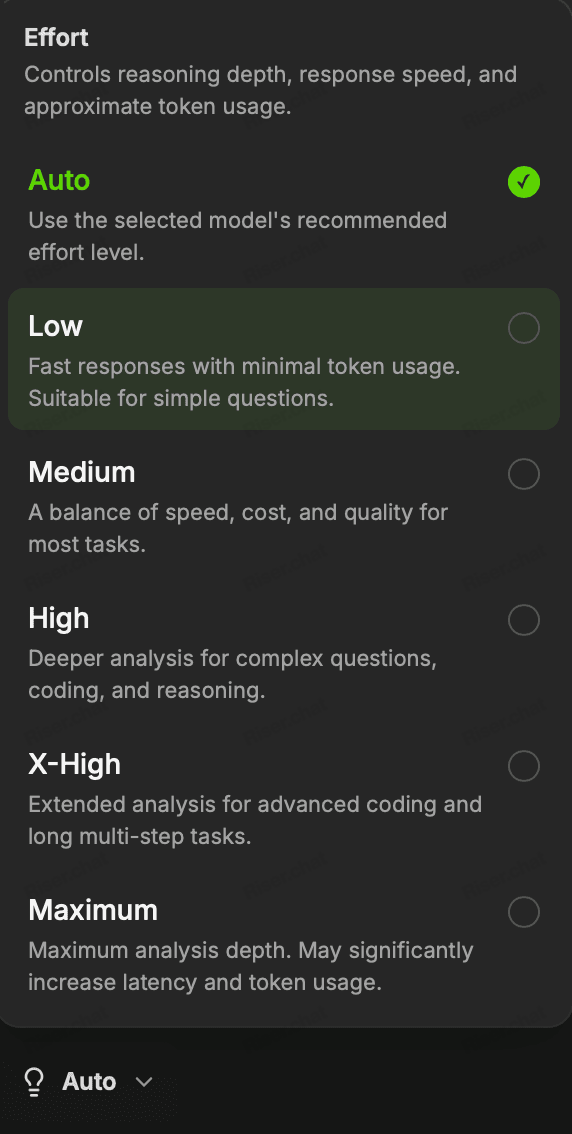
Effort settings for popular AI models
You can now adjust the effort level when working with popular text models from OpenAI, Claude, DeepSeek, and Grok.
This setting controls how much computational effort the model puts into generating a response. Depending on the selected model, a higher effort level can improve reasoning, analysis, coding, and performance on complex tasks. Lower settings are useful when speed matters more than maximum depth.
You can now find the right balance between:
- response speed;
- reasoning depth;
- answer quality;
- token usage;
- task complexity.
Effort controls have been available in various AI chats and model aggregators for some time—and now they’re finally available in Riser too. You can select the preferred level directly in the model interface before sending your request.
First and last frame controls for video generation
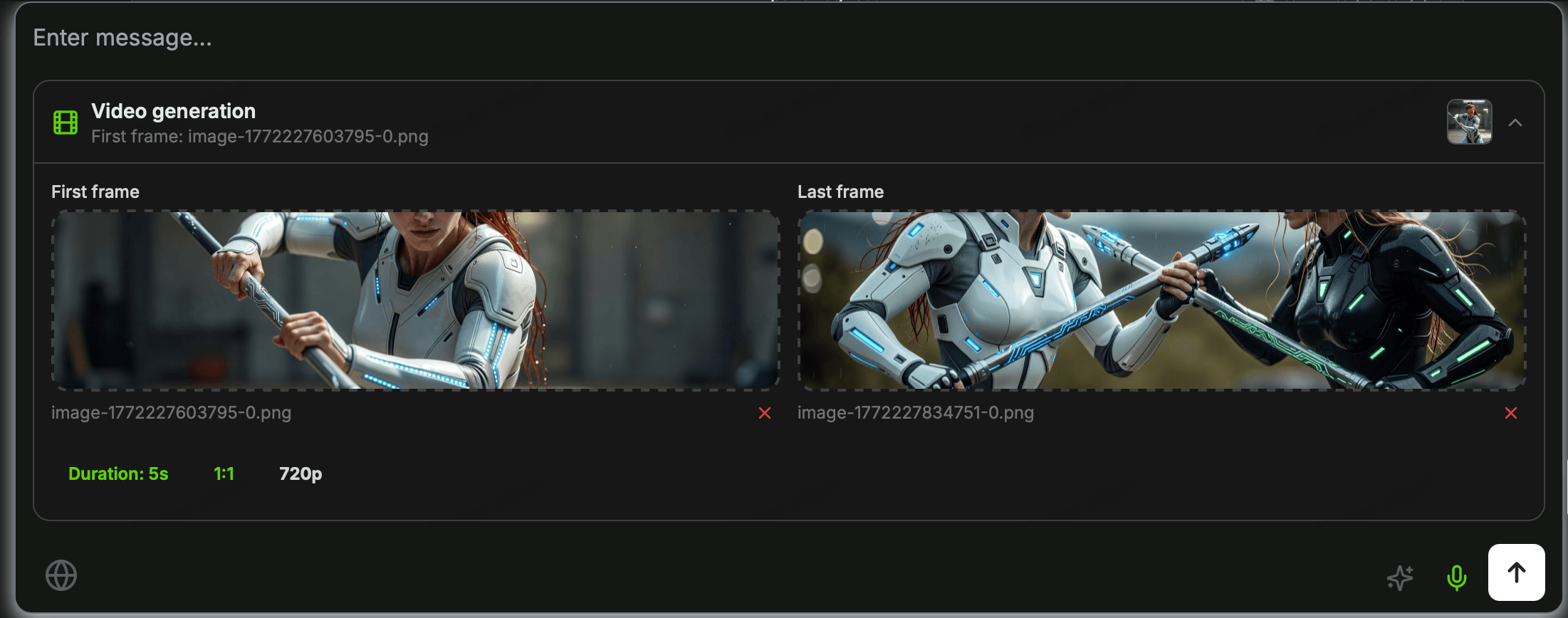
We’ve also improved the interface for video generation models, with a particular focus on Veo 3.1 and Wan 2.7.
You can now conveniently set:
- the first frame of the video;
- the last frame of the video;
- generation duration;
- video resolution;
- other settings supported by the selected model.
The first frame gives the model a clear visual starting point. The last frame provides more control over how the scene develops and where the generated sequence should end.
These controls make it easier to animate static images, create smooth transitions, maintain visual consistency, and plan the composition of AI-generated videos.
Long messages no longer take over the chat
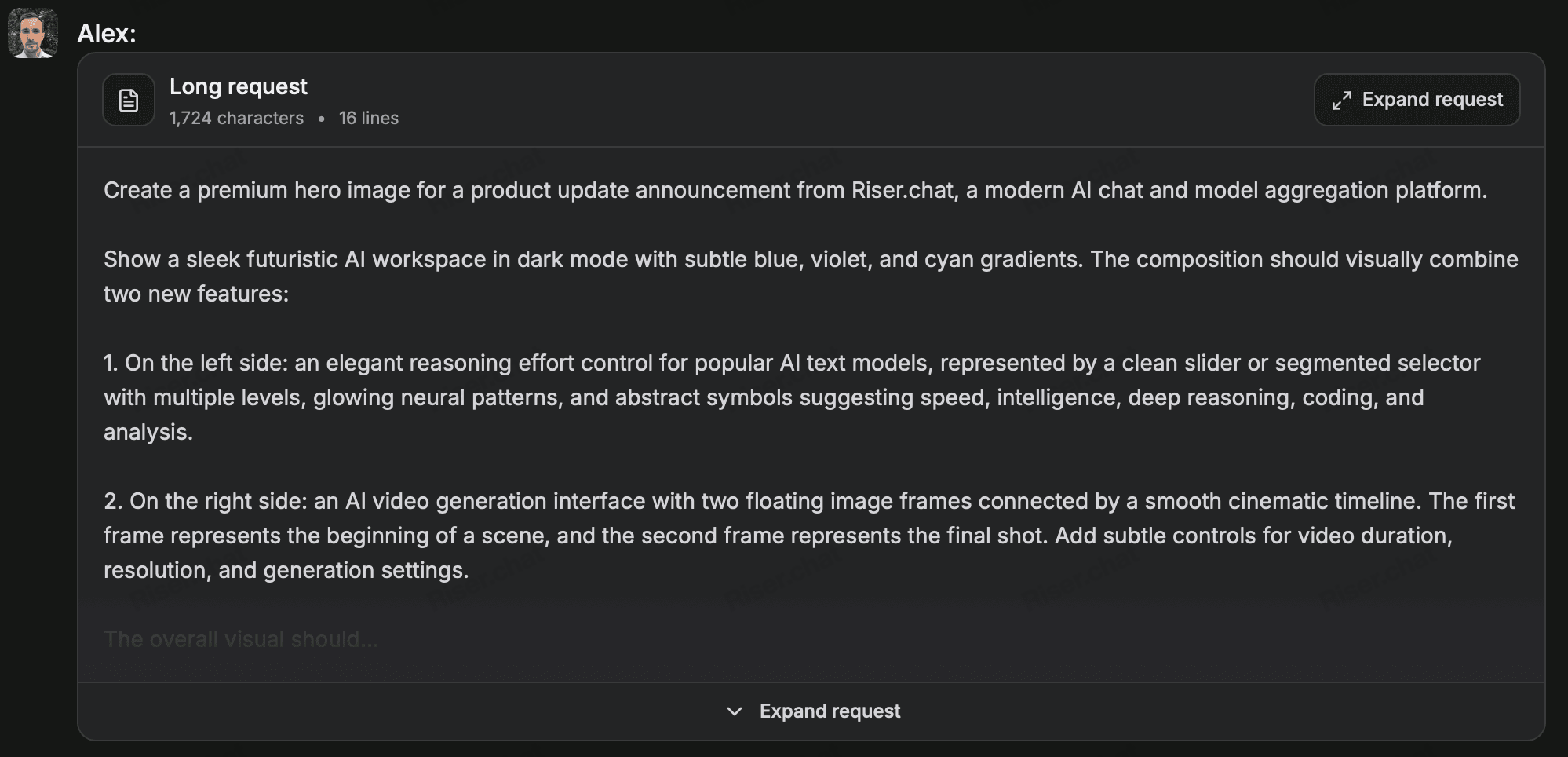
Long user messages are now automatically collapsed in the conversation history.
If you send a large prompt, a long document, or even thousands of lines of code, the full message will no longer occupy the entire screen every time you scroll through the chat. Instead, Riser displays a compact preview that can be expanded whenever you need to review the original request.
This small interface improvement makes a big difference in long conversations:
- easier navigation through the chat history;
- less unnecessary scrolling;
- cleaner conversations with large prompts;
- quick access to the full message when needed;
- more comfortable work with code, documents, logs, and datasets.
Your original message remains available—it’s simply hidden behind an expandable preview until you decide to open it.
More control, less clutter
All new options are available directly in the Riser interface. There’s no need to edit API parameters manually or overload your prompts with technical instructions.
Choose the effort level, configure video generation, and move through even the longest conversations without endless scrolling.
Try the latest Riser update and enjoy a faster, cleaner, and more flexible AI workspace.