
Approximately
$0.03
Short question
A quick question with a short answer — a typical chat request.
1,200 input700 output


No subscriptions, no monthly fees. Top up from as little as $2 and use OpenAI, Claude, Gemini and other. See a cost estimate before you send.

Turns ideas into high‑quality photos with Nano Banana Pro (Gemini 3 Pro Image). Style‑aware, composition‑savvy.

Evidence‑informed relationship guidance (Gottman, attachment theory). Compassionate and practical.

Your practical, encouraging coach for safe, effective training plans at home or in the gym.
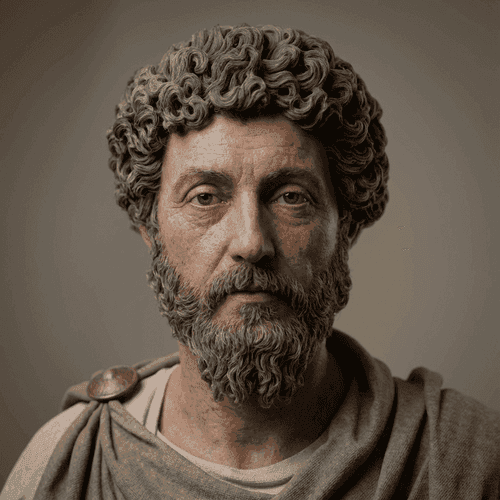
Stoic counsel in the tone of Marcus Aurelius: calm, concise, duty‑oriented, compassionate.

Modern astrologer blending classical natal, transit, synastry and solar return techniques with positive psychology. Grounded, actionable, non-fatalist.
Four steps — and you only pay for what you actually use.
Any amount from $2. No subscriptions or auto-charges — funds stay on your balance.
ChatGPT, Claude, Gemini and more. A persona is a ready preset with a master prompt and model.
Before sending, you see the estimated request cost based on the model and conversation length.
Charged exactly for the tokens used. Your remaining balance is always visible.
Access all popular models without separate subscriptions. Pay for actual tokens, works in Russia without a VPN.
Pay per token
You only pay for real usage — no monthly fees.
Many models
Switch between models in one window with no reconnecting.
Russia without a VPN
Direct access to global models, no workarounds.








A persona is a bundle of master prompt + model. Launch a ready one or build your own.
Each persona comes preconfigured with a system prompt and the right model.
Set your own prompt, pick a model — and save it as a personal preset.

Helps with homework, essays, reports, study notes, coding assignments, and exam preparation. Explains topics in simple words, creates outlines, drafts, and helps adapt the answer to your level.
Turns ideas into high‑quality photos with Nano Banana Pro (Gemini 3 Pro Image). Style‑aware, composition‑savvy.
Evidence‑informed relationship guidance (Gottman, attachment theory). Compassionate and practical.
Your practical, encouraging coach for safe, effective training plans at home or in the gym.
Stoic counsel in the tone of Marcus Aurelius: calm, concise, duty‑oriented, compassionate.
Modern astrologer blending classical natal, transit, synastry and solar return techniques with positive psychology. Grounded, actionable, non-fatalist.

Conversion-focused copy for ads, landing pages and emails. Adapts to brand voice and markets.

Hands‑on GTM strategist for early and growth‑stage startups. Rapid ideas, channels and experiments tied to unit economics.
Every feature is available right away — no plans, subscriptions or hidden terms
You're charged only for the tokens you actually use. Funds sit on your balance and are spent as you work.
See the approximate cost of a request in advance — no surprises on your bill.
Connect your own OpenAI, Gemini, Claude, DeepSeek and other keys and work on your terms.
Shared chats and projects, member invites and a single balance for the whole team.
Your conversations are encrypted and stay private.
OpenAI, Claude, Gemini and more — switch between them without changing the interface.
Direct access to global models, no workarounds or blocks.
Study, code, writing, analytics, design — all in one chat with persona presets.
No subscriptions or hidden charges. First, see the estimated cost of a single request, then explore detailed model pricing if needed.
A quick question with a short answer — a typical chat request.
A conversation with history, where the previous context is sent along with the new message.
A large text or document as input and a detailed structured response.
A comparison of models for a message with approximately 2,000 input tokens and 800 output tokens.
| Model | Typical conversationAn estimated calculation for one chat message: around 2,000 input tokens and 800 output tokens. The cost includes the question, system prompt, part of the conversation history, and the model's response. The actual price depends on the length of the context and response. | Billing unit |
|---|---|---|
 qwen-max-2025-01-25 Qwen | ≈ $0.03 | per request |
qwen-plus-latest Qwen | ≈ $0.01 | per request |
qwen-turbo-latest Qwen | ≈ $0.00 | per request |
qwen-vl-max-2025-04-08 Qwen | ≈ $0.02 | per request |
qwen3-32b Qwen | ≈ $0.01 | per request |
qwen3-vl-plus Qwen | ≈ $0.00 | per request |
qwen3.6-flash Qwen | ≈ $0.00 | per request |
qwen3.7-plus Qwen | ≈ $0.00 | per request |
qwen3.8-max Qwen | ≈ $0.02 | per request |
 gpt-5.5-pro-2026-04-23 OpenAI | ≈ $0.52 | per request |
gpt-5.6-luna OpenAI | ≈ $0.00 | per request |
gpt-5.6-sol OpenAI | ≈ $0.07 | per request |
gpt-5.6-terra OpenAI | ≈ $0.03 | per request |
gpt-6-astra OpenAI | ≈ $0.12 | per request |
gpt-6.1-sol OpenAI | ≈ $0.02 | per request |
gemini-3.1-pro-preview Gemini | ≈ $0.05 | per request |
gemini-3.8-flash Gemini | ≈ $0.01 | per request |
gemini-4-argon Gemini | ≈ $0.02 | per request |
claude-fable-5-1 Claude | ≈ $0.12 | per request |
claude-haiku-4-5-20251001 Claude | ≈ $0.01 | per request |
claude-opus-5-5 Claude | ≈ $0.06 | per request |
claude-sonnet-5-5 Claude | ≈ $0.02 | per request |
 grok-4.6 X.AI | ≈ $0.02 | per request |
grok-build-0.1 X.AI | ≈ $0.01 | per request |
deepseek-v4-pro DeepSeek | ≈ $0.00 | per request |
 kimi-k3 Moonshot AI | ≈ $0.04 | per request |
Minimum deposit: ₽100. Funds remain in your balance and are only spent when you use AI models.
Following the evolution of AI, exploring new models, and helping you get more from Riser
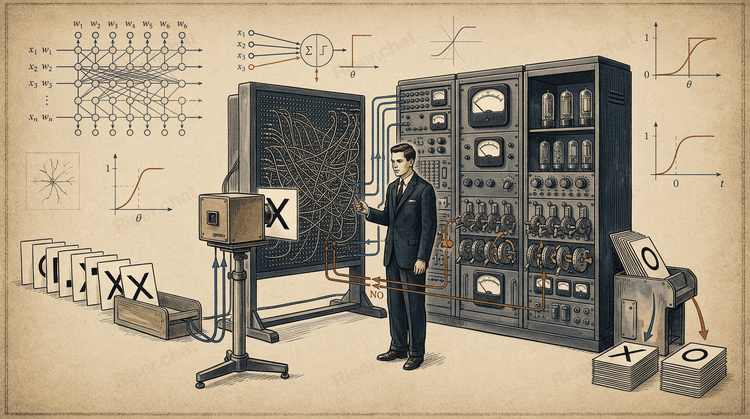
Table of Contents 1. What Is a Perceptron? A Short Answer 2. How the Perceptron Differed from the McCulloch–Pitts Model 3. Who Was Frank Rosenblatt? 4. How a Perceptron Works in Simple Terms 5. Traditional Programming and Machine Learning 6. The Main Components of a Perceptron 7. The Perceptron…
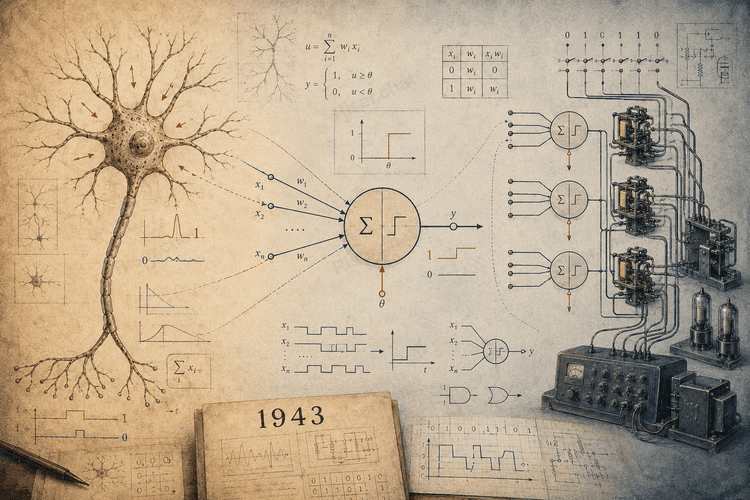
Neural networks can now generate text and images, recognize speech, analyze documents, and help people write code. Modern models may contain billions of parameters, and training them requires enormous computational resources. However, the history of neural networks began with a much simpler idea.…
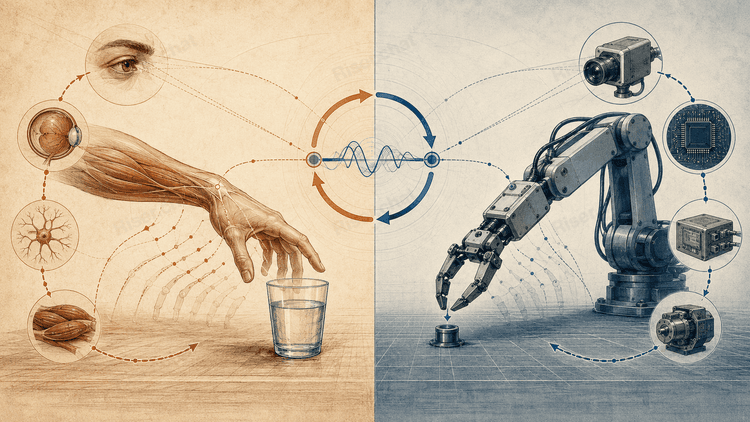
A thermostat maintains a desired temperature. An autopilot corrects an aircraft’s course. A person adjusts the movement of their hand when reaching for an object. A robot changes direction after detecting an obstacle. These examples belong to different fields, but they share the same basic pattern:…
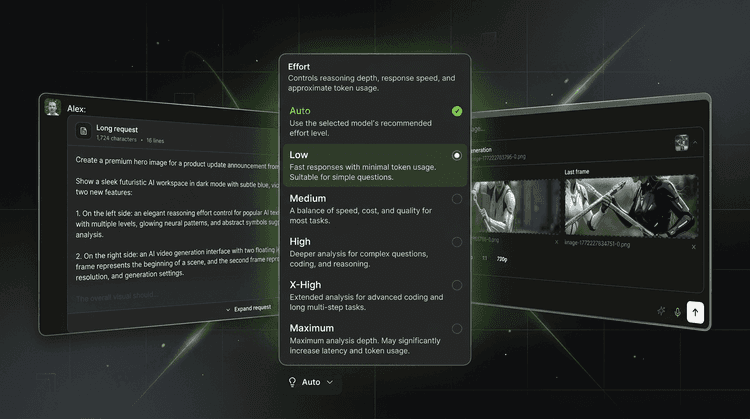
Product Update: More Control, Better Video Tools, and Cleaner Chats We’ve added several highly requested features to Riser that make working with text and video models more flexible—and navigating long conversations much easier. Effort settings for popular AI models You can now adjust the effort…
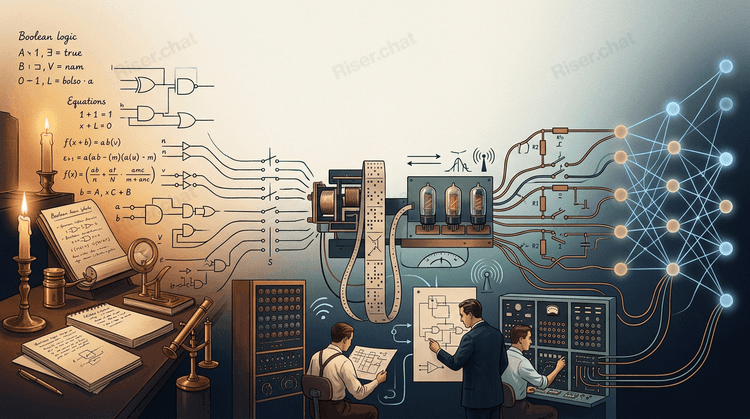
Artificial intelligence can now hold conversations, write code, analyze documents, and generate images. With the rapid rise of ChatGPT, Claude, Gemini, and other AI systems, it is easy to assume that neural networks appeared almost overnight. They did not. The history of artificial intelligence…
Riser is a single interface for working with different AI models and ready-made AI personas. You can use models from different providers without purchasing a separate subscription for each service.
There are no plans or monthly fees. You top up your balance and pay only for the tokens actually used.
Riser uses pay-as-you-go billing. You top up your balance and the cost of each request is deducted after it has been processed.
The price depends on the selected model and the number of input and output tokens. There are no subscriptions, monthly fees or automatic recurring charges.
Tokens are units used by AI models to process text. Your message, the relevant conversation history and the model's answer are all converted into tokens.
Input and output tokens may have different prices. A longer conversation or answer usually requires more tokens and therefore costs more.
An estimated cost is shown in the chat before you send a request. The forecast takes into account the selected model, your message and the conversation context available at that moment.
The estimate is not the final charge because the exact length of the model's answer is not known in advance. After processing, you are charged only for the tokens actually used.
The exact number of output tokens is only known after the model generates its answer. The final charge may therefore be slightly lower or higher than the forecast.
Conversation history also affects the price: in a long chat, more context may be sent to the model with each new request.
An AI persona is a ready-made preset that combines a master prompt, task-specific instructions, scenarios and a preferred AI model.
A persona helps you start working without configuring everything manually. It determines the role, communication style and approach to the task, while requests are still billed by the tokens used by its model.
A model is the AI engine that processes your request. When you select a model directly, you decide how to formulate the task and can use the available project or chat settings.
A persona is a configured assistant built on top of a model. It already includes a master prompt, role, working scenarios and recommended behavior. Both options use the same token-based billing.
Choose a persona based on your task: writing, learning, marketing, analytics, career development, image generation or another area.
The persona card shows its description, category and preferred model. You can start with a ready-made persona or create your own preset with custom instructions and a selected model.
Yes. You can create a personal persona by writing a master prompt, defining its role and instructions, and selecting a suitable AI model.
This is useful for recurring tasks where you want to keep the same tone, rules, workflow or output format without repeating them in every request.
Riser provides access to text, image and other AI models from multiple providers, including OpenAI, Anthropic, Google, DeepSeek, xAI, Qwen and others.
The catalog is updated as models are added, replaced or archived. You can view the currently available models, their capabilities and prices on the AI models page.
Yes. Riser supports connecting your own API keys for compatible AI providers. This allows requests to be processed through your provider account while you continue using the Riser interface, projects and chat history.
Availability and billing conditions may depend on the selected provider. API keys are stored in encrypted form.
You can invite colleagues to a workspace, use shared or private chats and manage work with AI models in one interface.
A shared balance makes it possible to pay for team usage from one account. Access to chats and projects depends on workspace permissions.
If a request was not processed because of a technical error, or you believe the amount was charged incorrectly, please contact Riser support. Include the approximate time of the request, the model or persona used and a description of the issue.
If the model generated an answer but it did not meet your expectations, try clarifying the request, adding context or selecting another model. AI-generated answers may contain errors and should be checked before being used for important decisions.
Requests are transmitted to the selected AI provider so that the model can process them and generate an answer. Different providers may apply different data processing policies.
Messages and connected API keys are stored and transmitted using encryption. Avoid sending passwords, payment details, trade secrets or unnecessary personal data. For more information, see the Privacy Policy.
Riser is continuously adding new models, features and improvements. You can follow announcements, participate in discussions and share feedback in our Telegram community: @riser_chat.